

In the modern world of work-from-home setups, ergonomics has become an essential consideration in workspace design, enhancing both comfort and productivity. For those calling Macon, Georgia home, this topic is especially pertinent. If your job involves long hours in a home office, staying comfortable and easing strains could mean the difference between a productive day and one riddled with discomfort.
At The Otis, located in Macon, we understand the challenges modern professionals face. Hence, we aim to provide our residents with insights on how to create an ergonomic work environment right in their apartment homes. Here, we list six practical ways to transform any space, ensuring your furniture and habits promote optimal well-being.
Chair
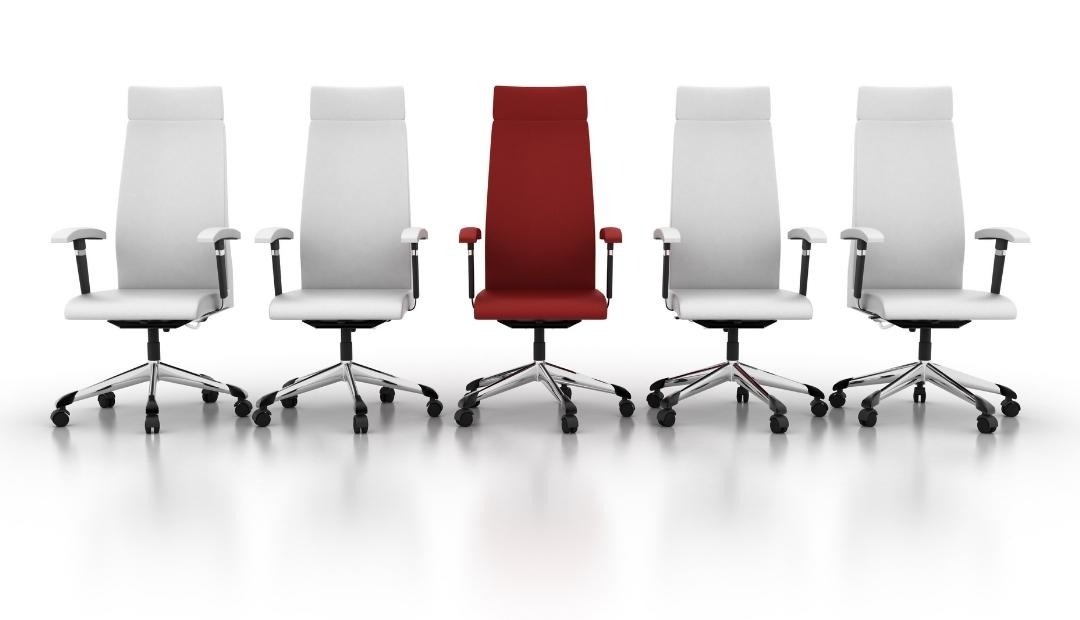
A crucial component of ergonomic workspace design lies in your choice of chair. Investing in one with a hydraulic shaft is essential; this facilitates easy adjustments to maintain a healthy seated height.
Positioning is also key. Ensure that your feet are flat on the floor, while your knees remain slightly lower or aligned with your hips. This helps prevent strain. Additionally, choose an office chair with lumbar support to maintain the natural curve of your spine, and look for armrests to ease tension in your upper body.
Desk
Your desk should accommodate ample space for your legs and be adjustable to suit comfort levels while working. Some users find benefit in utilizing sit-stand desks because they allow switching between seated and standing positions, reducing aches tied to being in one posture too long.
At The Otis, we appreciate the significance of a versatile home office setup, encouraging viable shifts for all types of work essentials.
Monitor
Optimal screen positioning can prevent potential neck and back strain. Arrange your monitor about an arm’s length away and at eye level. This adjustment helps avert the need for bending or craning your neck.
If your furniture doesn’t allow for an ergonomic setup, consider using a monitor riser, which elevates your screen to an ideal height, promoting better posture.
Keyboard and Mouse
Correct positioning of your keyboard and mouse is vital to avoid unnecessary strain. Ensure your shoulders are relaxed and your elbows are bent at a natural angle of 90 to 110 degrees. This sets your forearms parallel, preventing discomfort that comes from awkward typing positions.
The Otis recognizes these small adjustments can make a vast difference for those working from the comfort of their Macon apartments.
Lighting
While often overlooked, proper lighting is quintessential to creating an ergonomic workspace. Many home setups rely on ambient lighting, which can cause eye strain. To combat this, match lighting levels with your screen’s brightness and maximize natural light through windows, whenever possible.
This not only addresses ergonomics but also enhances mood and productivity—a principle we promote at The Otis for all our residents.
You
Finally, the most crucial factor in achieving ergonomic harmony is you. Your posture matters. Keep a natural stance, use chair recline features, and stand periodically to stretch. Simple changes like incorporating relaxing elements into your workspace can significantly influence productivity and mental well-being.
Whether it’s placing some greenery or introducing aromatherapy, find what helps you manage stress and maintain focus. At The Otis, fostering holistic living is a priority, and having a supportive, adaptable environment is part of that effort.
How Can The Otis Enhance Your Work-from-Home Experience?
The Otis prioritizes resident satisfaction with apartment features that support a healthy, ergonomic lifestyle. From spacious layouts that allow adaptable office setups to community amenities like high-speed internet access, everything is designed to cater to the needs of the modern remote worker. Create your perfect ergonomic space in the comfort of one of our one-bedroom to three-bedroom homes and let us support your journey towards a balanced, productive apartment life.